How To Set Up An Only Fans Account

I still remember when I first heard about Only Fans - it was like a whispered secret among friends. Someone mentioned it as a way to make some extra cash, and I was intrigued. Fast forward a few years, and it's become a thing - a platform where creators can share exclusive content with their fans, and get paid for it. I mean, who wouldn't want that, right?
So, you're thinking of joining the Only Fans bandwagon? Well, you're not alone. With millions of users on the platform, it's clear that there's a demand for exclusive content. But, before you dive in, let's get one thing straight - it's not as easy as it looks. Setting up an account requires some thought, effort, and a willingness to be a little vulnerable. Are you up for it?
Getting Started
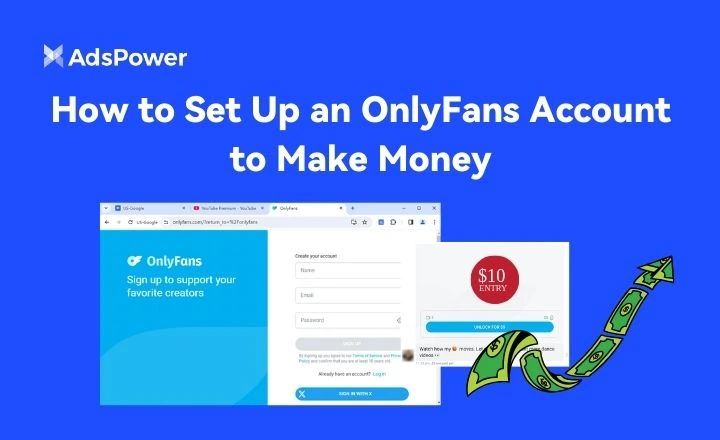
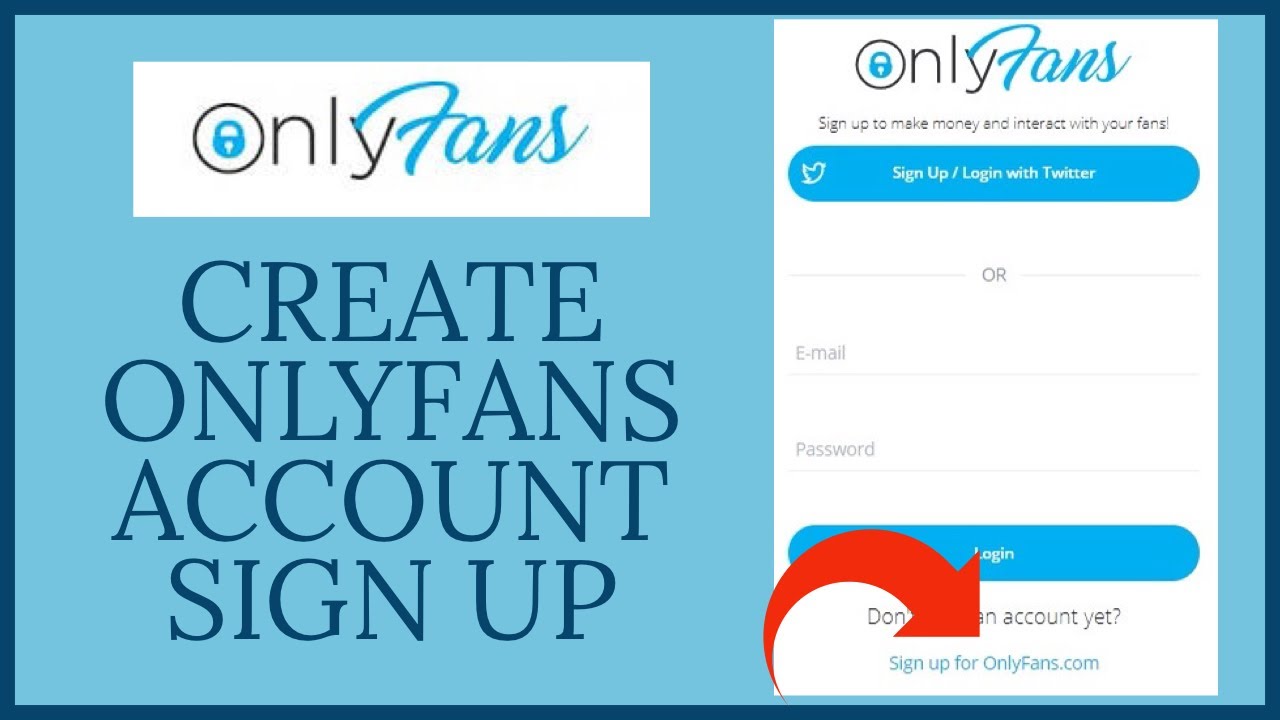
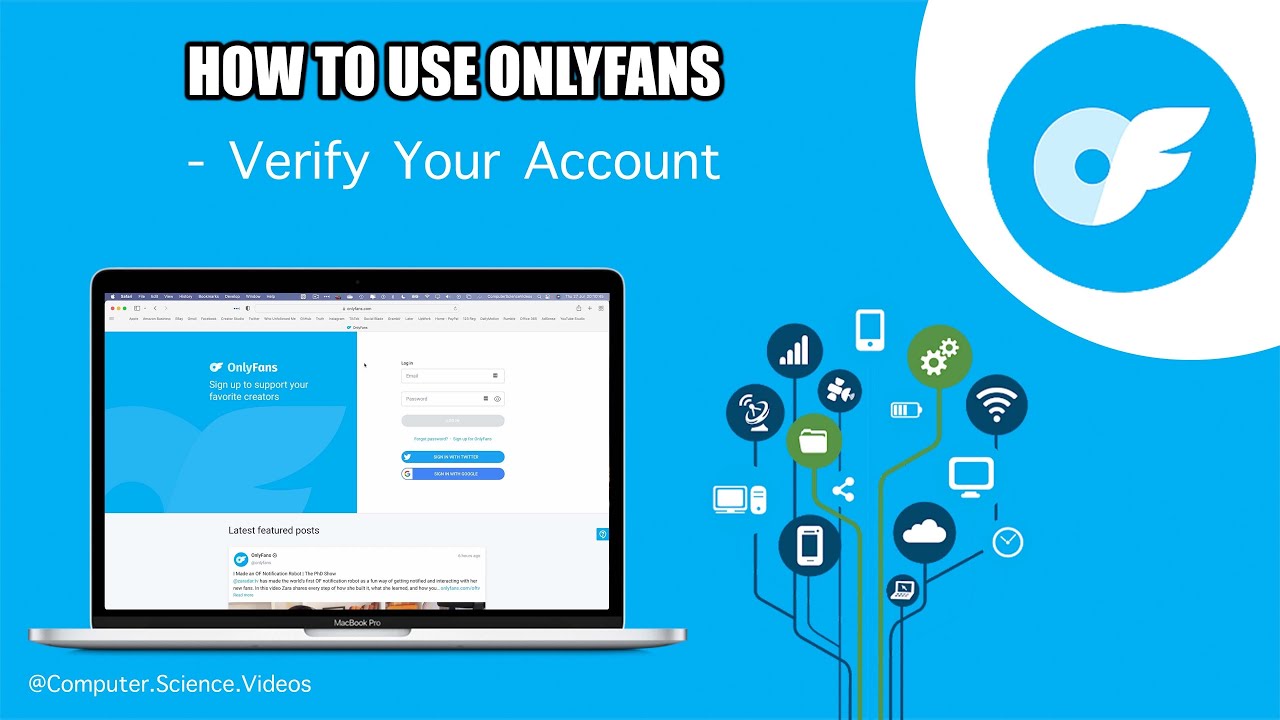
First things first, you'll need to create an account on Only Fans. This is the easy part - just head to their website, click on "sign up," and follow the prompts. You'll need to provide some basic info, like your name, email address, and password. Don't worry, it's all pretty standard stuff. But, here's the thing - you'll also need to verify your age. Yep, Only Fans takes this pretty seriously, so be prepared to provide some ID.
Must Read
Setting Up Your Profile
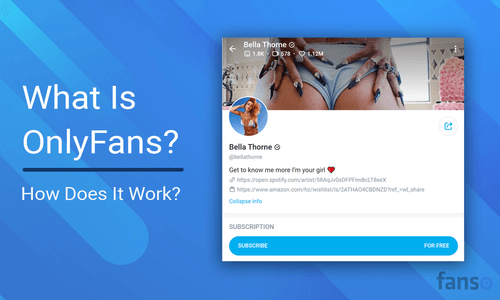
Now that you've got your account set up, it's time to think about your brand. What kind of content do you want to create? Who is your audience? These are all important questions to consider, because your profile is essentially your shop window. You'll want to make sure it's looking its best, with a clear profile picture, bio, and header image. Think of it like a first impression - you want to make it count.
And, let's not forget about the content itself. This is what's going to set you apart from all the other creators on Only Fans. So, what's your thing? Are you into fitness, art, or maybe music? Whatever it is, make sure you're passionate about it, because that's what's going to shine through to your fans.

Monetizing Your Account
Now, onto the good stuff - getting paid. Only Fans uses a subscription-based model, where fans can pay a monthly fee to access your exclusive content. You'll need to set your subscription price, which can range from $5 to $50 per month. It's up to you to decide what you're worth, but don't be afraid to experiment. You can always adjust your price later, based on how your fans respond.
Last but not least, be patient. Building a successful Only Fans account takes time, effort, and dedication. Don't expect to become an overnight sensation (unless you're already a celeb, in which case, go you!). It's all about creating a community around your content, and engaging with your fans. So, get ready to put in the work, and you might just find that Only Fans is the perfect platform for you.