How To Refund On Onlyfans
Let's face it, we've all been there - subscribed to a service, only to realize later that it's not quite what we're looking for. Maybe you joined a gym, thinking you'd become a fitness enthusiast, but your workout routine ended up being a casual stroll on the treadmill once a month. Or perhaps you signed up for a monthly delivery of gourmet cheese, only to find out that your taste buds aren't as adventurous as you thought. The point is, sometimes we need to cut our losses and move on. And that's exactly what we're going to talk about today - how to refund on Onlyfans.
So, What's Onlyfans?
If you've been living under a rock, Onlyfans is a subscription-based platform that allows content creators to sell exclusive content to their fans. It's like having a special VIP pass to your favorite artist's or influencer's private content. But, just like any other subscription service, sometimes you might want to cancel or get a refund. And that's where things can get a little tricky.
Why Would You Want a Refund?
Imagine you subscribed to your favorite adult content creator, thinking you'd get access to exclusive, mind-blowing content. But, after a few weeks, you realize that it's just not what you're into. Maybe the content is not as frequent or as high-quality as you expected, or maybe you just got bored. Whatever the reason, you want your money back. And rightly so! You wouldn't keep paying for a gym membership if you're not using it, would you? It's the same with Onlyfans - you should get what you pay for.
Must Read
Another reason you might want a refund is if you were charged incorrectly. Maybe you meant to subscribe for a month, but accidentally got charged for a whole year. Or perhaps you were charged multiple times for the same subscription. It's frustrating, and it's not okay. You should be able to get your money back, and we'll show you how.
The Refund Process
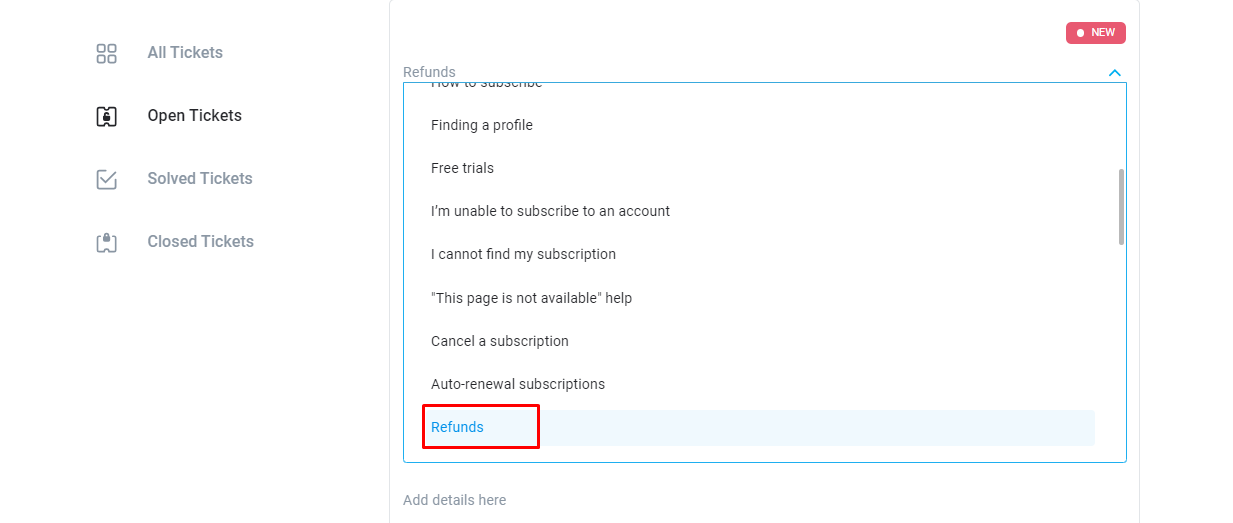
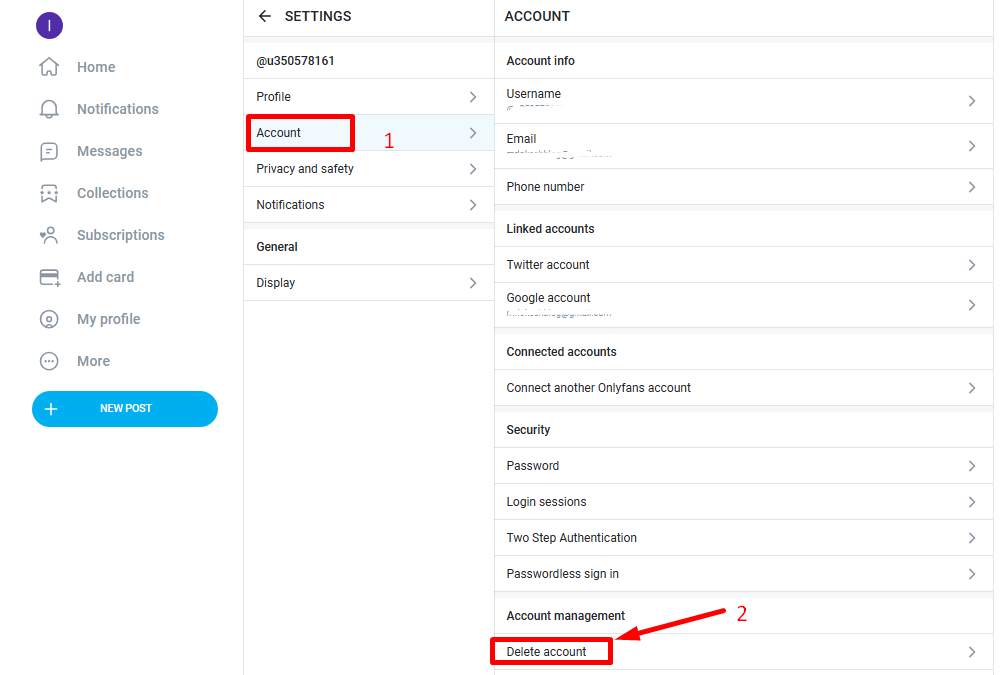
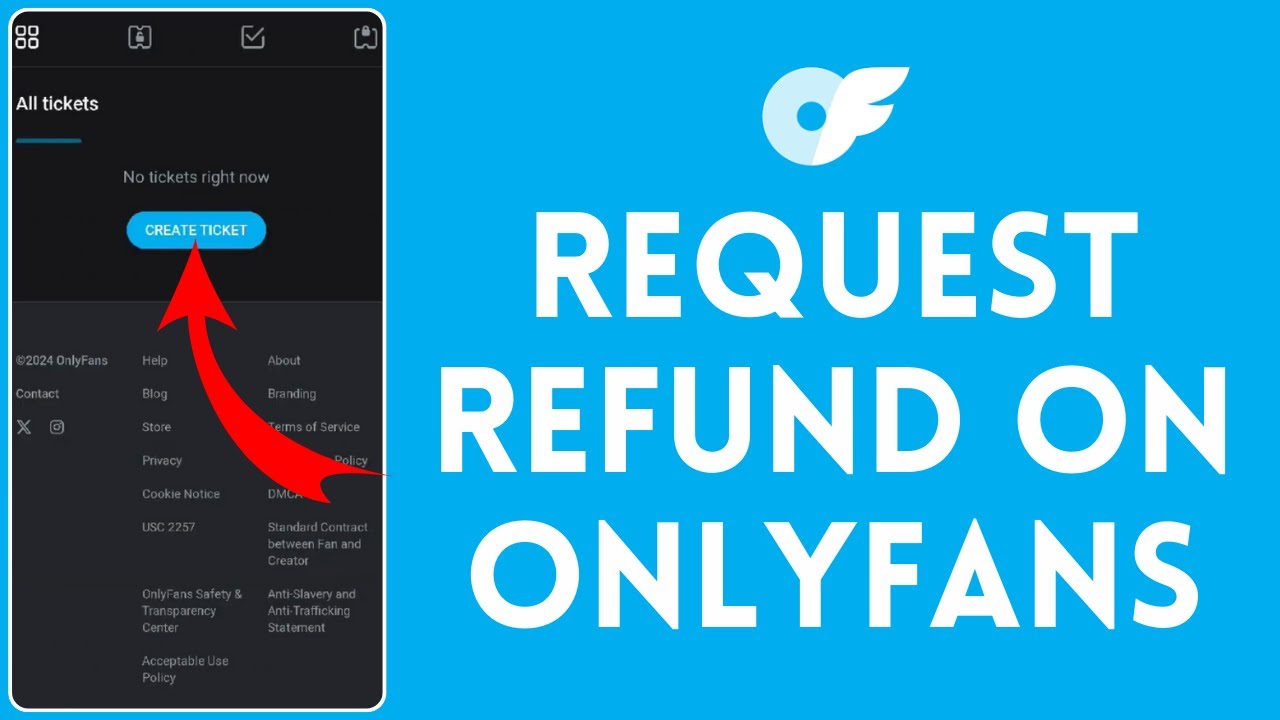
So, how do you actually get a refund on Onlyfans? Well, it's not as complicated as you might think. First, you'll need to cancel your subscription. This will prevent any future charges from happening. Then, you'll need to contact Onlyfans support and explain why you want a refund. Be honest, be clear, and be patient - they'll do their best to help you out.
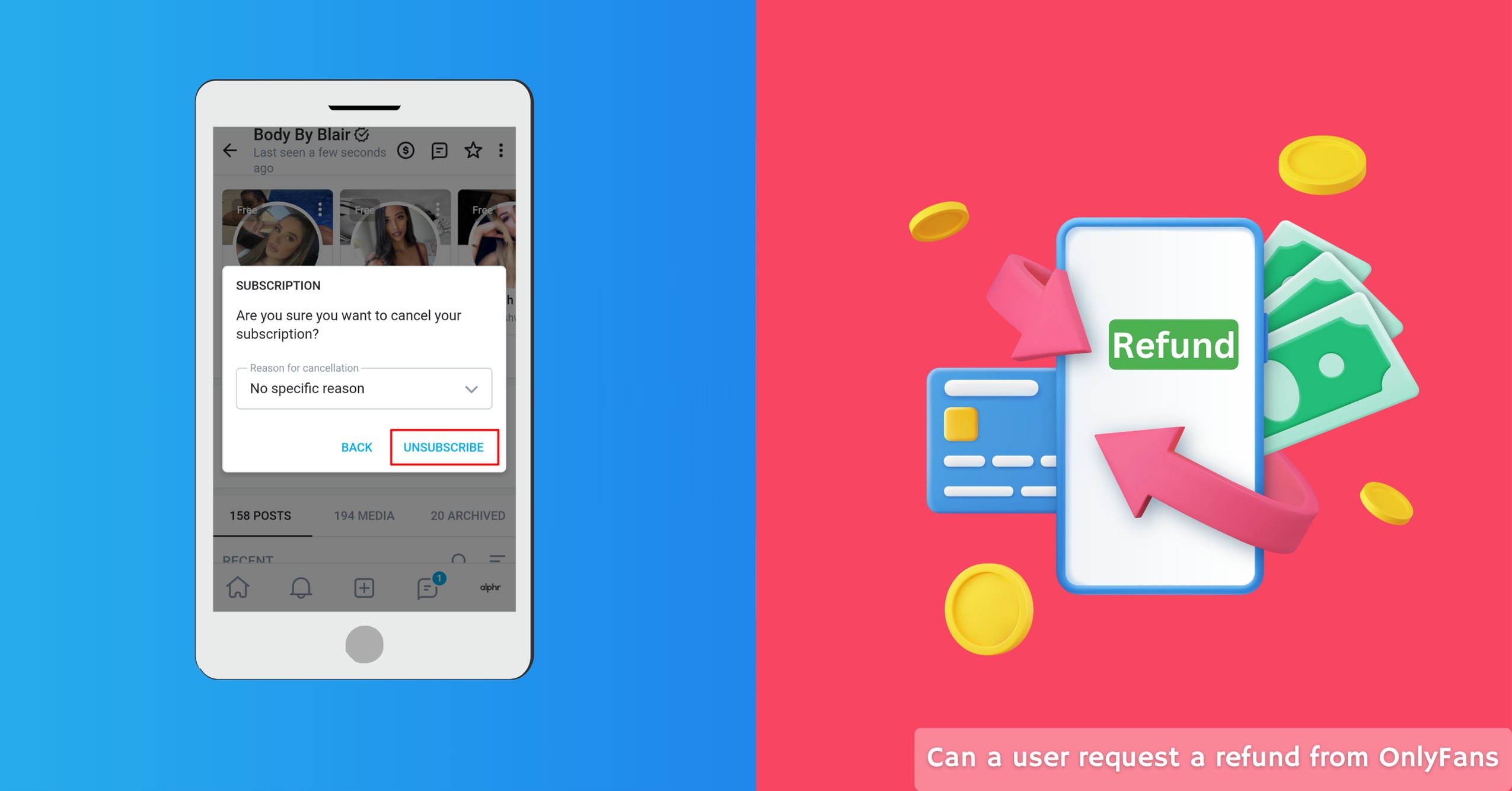
Now, here's the thing - Onlyfans has a pretty strict refund policy. They don't offer refunds for simply changing your mind or not using the service. But, if you were charged incorrectly or if the content creator didn't deliver what they promised, you might be eligible for a refund. Make sure you read the terms and conditions carefully before you subscribe, so you know what you're getting into.
Tips and Tricks
So, how can you avoid needing a refund in the first place? Do your research! Before you subscribe to a content creator, check out their profile, read reviews, and look at their past content. Make sure you know what you're getting into, and that you're comfortable with the type of content they're offering. It's like trying before you buy - you wouldn't buy a car without test-driving it, would you?
Another thing to keep in mind is to keep an eye on your bank statements. Make sure you're not being charged incorrectly, and that you're not missing any payments. It's like keeping track of your expenses - you want to know where your money is going. And finally, be respectful. If you do need to contact Onlyfans support, be polite, be patient, and be respectful. They're humans too, and they'll do their best to help you out.
The Bottom Line
Getting a refund on Onlyfans is not the end of the world. It's a normal part of the subscription process, and it's your right as a consumer. You should get what you pay for, and if you're not satisfied, you should be able to get your money back. Just remember to cancel your subscription, contact support, and be patient. And hey, if you're not sure about something, just ask! We're all in this together, and we're all just trying to figure it out as we go along.
So, there you have it - a quick and easy guide to refunding on Onlyfans. It's not rocket science, but it does take a little bit of effort. Just like anything in life, you get what you put in. So, go ahead, take control of your subscriptions, and don't be afraid to ask for a refund if you need one. Your wallet (and your sanity) will thank you!