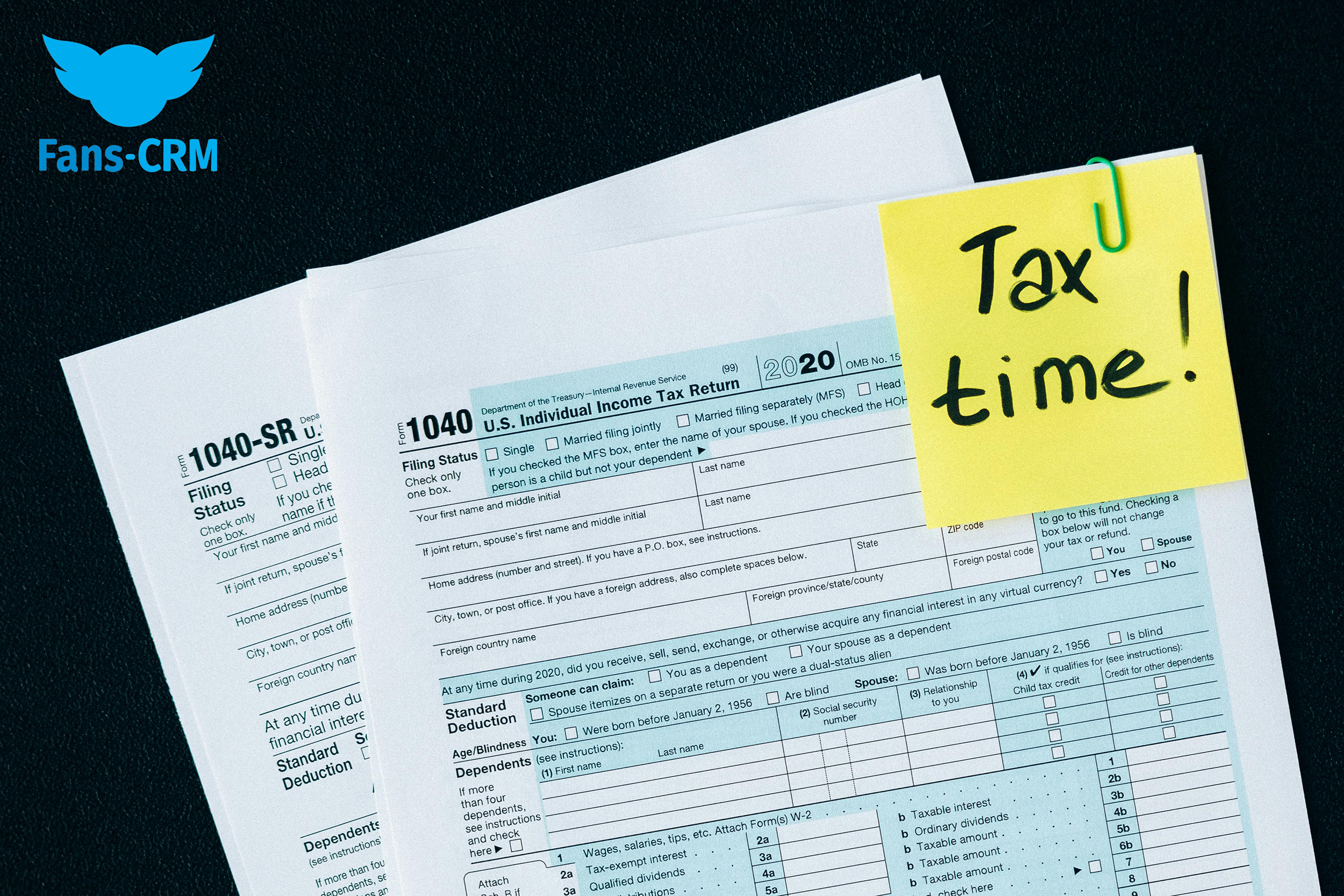
How To File Onlyfans Taxes

Let's face it, tax season can be a real buzzkill. But, if you're one of the many talented individuals making waves on Onlyfans, you know that with great success comes great responsibility - and that includes filing those taxes! Don't worry, we've got you covered. In this article, we'll break down the basics of filing Onlyfans taxes in a way that's easy to understand, even if you're not a tax guru.
Getting Started
First things first, you'll need to gather all the necessary documents. Think of it like collecting all the pieces of a puzzle - you need all the right bits to create a complete picture. For Onlyfans creators, this typically includes your 1099-K form, which shows all the payments you received from the platform, as well as any receipts for business expenses. Yes, you read that right - business expenses! As an Onlyfans creator, you're essentially running your own business, and that means you can deduct certain costs on your tax return.
Now, you might be thinking, "What counts as a business expense?" Well, let's just say it's not as complicated as you think. If you're using a professional camera to take photos, or a ring light to make your videos shine, those costs can be deducted. Even things like internet costs or software subscriptions can be claimed as business expenses. Just remember to keep all your receipts in a safe place - like a digital folder or a physical file.
Must Read
As an Onlyfans creator, you're not just selling content - you're selling a brand, an experience, and a piece of yourself. So, don't be afraid to get creative with your business expenses!
Tax Forms and Filing Status
Now that you have all your documents in order, it's time to think about tax forms. As an Onlyfans creator, you'll typically need to file a 1040 form, which is the standard form for personal income tax. However, you might also need to file additional forms, like a Schedule C form, which is used for business income and expenses. Don't worry if this sounds like a foreign language - just remember that you're essentially telling the IRS about your business income and expenses.
When it comes to filing status, things can get a little tricky. As an Onlyfans creator, you're considered self-employed, which means you'll need to pay self-employment tax on your net earnings from self-employment. This might sound like a lot to take in, but just remember that you're essentially paying taxes on your business income, just like any other business owner.

And, let's be real - tax software can be a lifesaver. Programs like TurboTax or H&R Block can guide you through the tax filing process and help you claim all the deductions you're eligible for. Plus, they often offer customer support, so you can get help if you need it.
Remember, Onlyfans taxes might seem complicated, but with the right tools and a little bit of patience, you can navigate the process like a pro!
Staying Organized and Avoiding Audits
Finally, let's talk about staying organized and avoiding those dreaded audits. As an Onlyfans creator, it's essential to keep accurate records of your business income and expenses. This might include things like bank statements, invoices, and receipts. Just remember to keep all your documents in a safe place, like a cloud storage service or a physical file cabinet.

And, if you do happen to get audited, don't panic! Just remember to stay calm, and provide all the necessary documentation. It's like gathering all the pieces of a puzzle - once you have all the right bits, you can create a complete picture. In this case, that picture is a clear and accurate representation of your business income and expenses.
In conclusion, filing Onlyfans taxes might seem daunting, but with the right tools and a little bit of knowledge, you can navigate the process like a pro. Just remember to stay organized, keep accurate records, and don't be afraid to get creative with your business expenses. Happy filing, and may the odds be ever in your favor!



![OnlyFans Taxes: What Taxes Do I File? [2022 US Guide]](https://freecashflow.io/wp-content/uploads/2023/01/Do-Content-Creators-on-OnlyFans-pay-Taxes-1536x864.jpg)

![OnlyFans Taxes: What Taxes Do I File? [2024 US Guide]](https://cdn-ilefpcm.nitrocdn.com/aGIyWIpZrcOaUvalfrsDRBxBXWWgsAYd/assets/images/optimized/rev-7752cf7/freecashflow.io/wp-content/uploads/2021/06/The-Complete-Guide-1-600x410.png)