How To Create An Onlyfans Page For Beginners

So, you want to join the ranks of Onlyfans creators and make some money from your amazing content? Well, you're in the right place! Creating an Onlyfans page can seem daunting, but trust me, it's easier than you think. Just remember, content is king, so make sure you have a solid plan before you start.
Getting Started
First things first, you need to sign up for an Onlyfans account. It's free, and you can do it in just a few clicks. Just head to the website, click on "Sign up", and follow the prompts. You'll need to provide some basic info, like your name and email address. Don't worry, it's all pretty standard stuff. Once you're signed up, you can start setting up your page.
Now, this is where things can get a bit tricky. You need to decide what kind of content you want to create. Are you a fitness enthusiast who wants to share workout tips and progress pics? Or maybe you're a foodie who wants to share recipes and cooking vids? Whatever it is, make sure it's something you're passionate about, because that's what will shine through to your fans.
Must Read
Setting Up Your Page
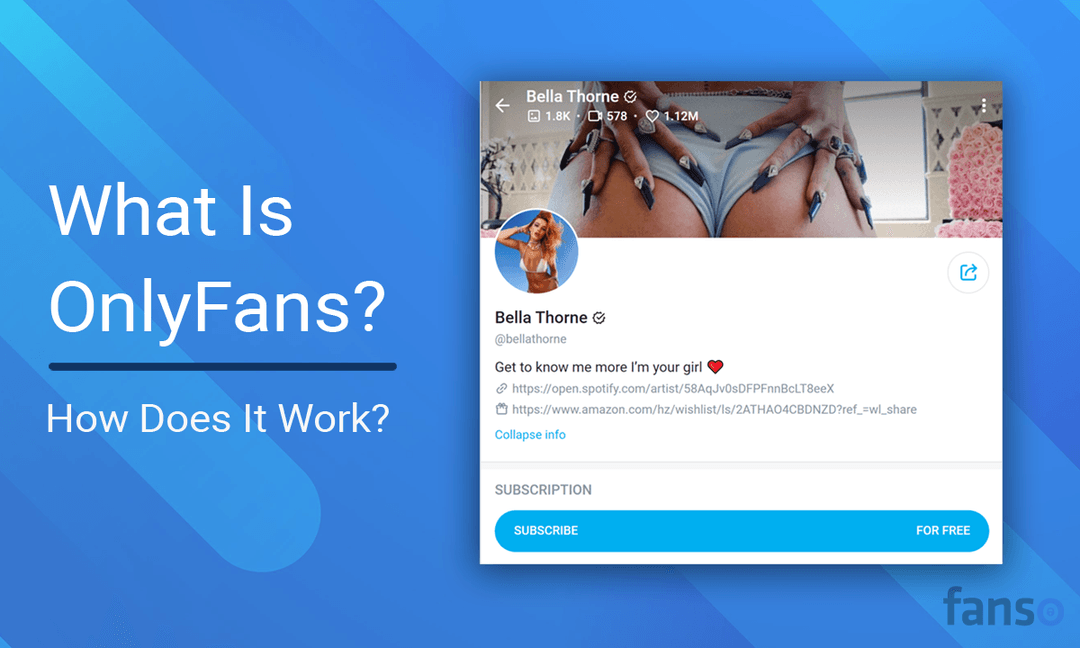
Okay, so you've decided on your content, now it's time to set up your page. This is where you can get creative and make your page look -amazing. You can add a profile pic, a banner, and even a bio that tells your fans a bit about you. Just remember to keep it short and sweet, you don't want to overwhelm your fans with too much info. You can also add some keywords to help people find you when they're searching for content like yours.
Now, let's talk about pricing. This is where you decide how much you want to charge your fans for access to your exclusive content. You can set your price anywhere from $5 to $50 per month, so think carefully about what you want to charge. Just remember, you want to make sure your fans feel like they're getting a good deal, or they might not stick around.

Don't be afraid to experiment and try new things. Your fans will appreciate your creativity and willingness to take risks.
Creating Content
So, you've got your page set up, and you've decided on your pricing. Now it's time to start creating some amazing content. This is where you can really let your personality shine through. Whether you're taking photos, making videos, or just posting updates, make sure you're being authentic and engaging. Your fans will appreciate your honesty and vulnerability, and they'll be more likely to stick around if they feel like they're getting a genuine glimpse into your life.
And don't forget to interact with your fans! Respond to their comments and messages, and make sure you're posting regularly to keep them engaged. You can also offer exclusive content or discounts to your loyal fans to keep them coming back for more.

Tips and Tricks
So, you've got your page up and running, and you're creating some amazing content. Now it's time to think about how you can take your Onlyfans page to the next level. Here are a few tips and tricks to help you out:
Post consistently to keep your fans engaged. Use high-quality images and videos to make your content look professional. And don't be afraid to experiment and try new things. Your fans will appreciate your creativity and willingness to take risks.
And finally, have fun! Creating an Onlyfans page is all about sharing your passion and creativity with the world. So, enjoy the process, and don't be too hard on yourself if things don't go exactly as planned. Just remember, your fans are there to support you, so be sure to show them some love and appreciation along the way.