How To Add Collaborator On Shopify

So, you've finally decided to take the plunge and start selling your amazing products on Shopify. Congratulations! You're about to join the ranks of thousands of successful online store owners. But, let's get real, running a store can be a lot of work. That's why you need to learn how to add collaborators on Shopify, so you can share the load with your friends, family, or team members.
Why Collaborators are a Must-Have
Think of collaborators like superheroes, but instead of capes, they wear headphones and stare at screens all day. They can help you with everything from customer service to shipping and handling. And, let's be honest, having someone to share the responsibility with can be a huge relief. No more late nights, early mornings, and weekends spent staring at your computer, wondering where it all went wrong.
The Magic of Collaborators
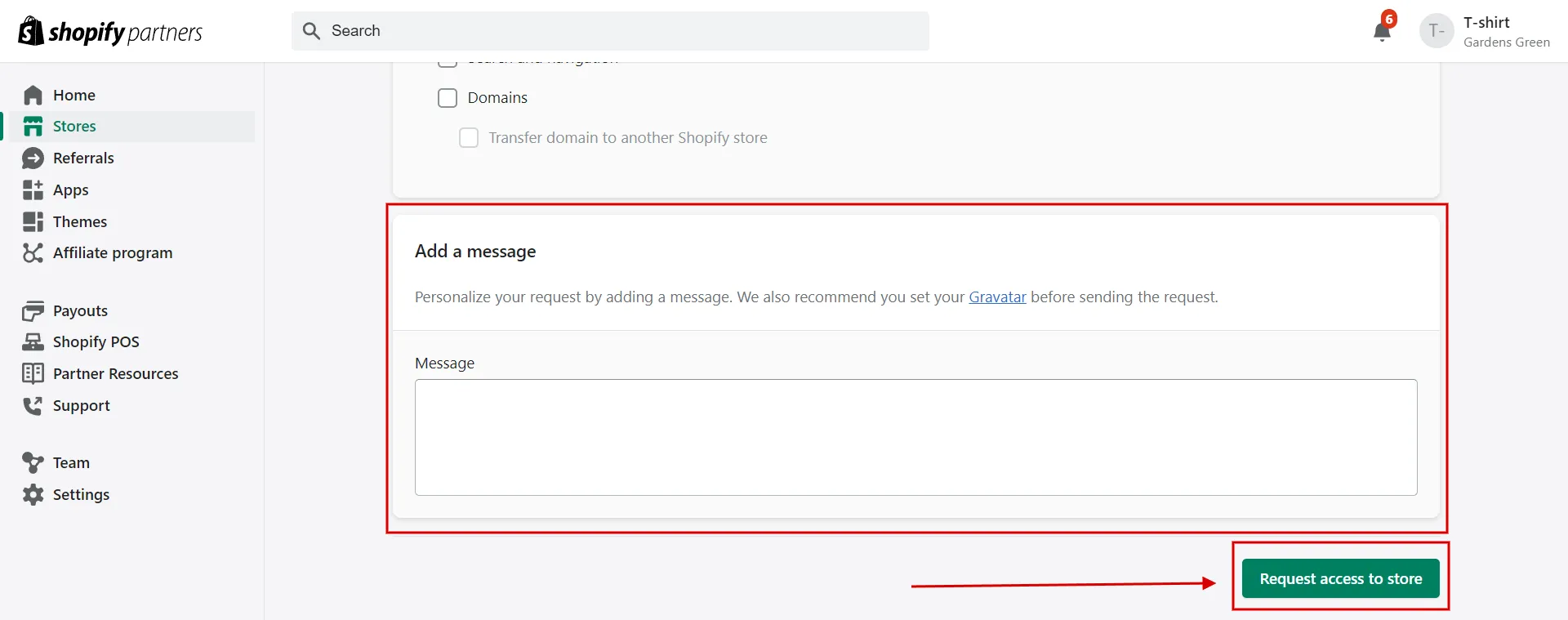
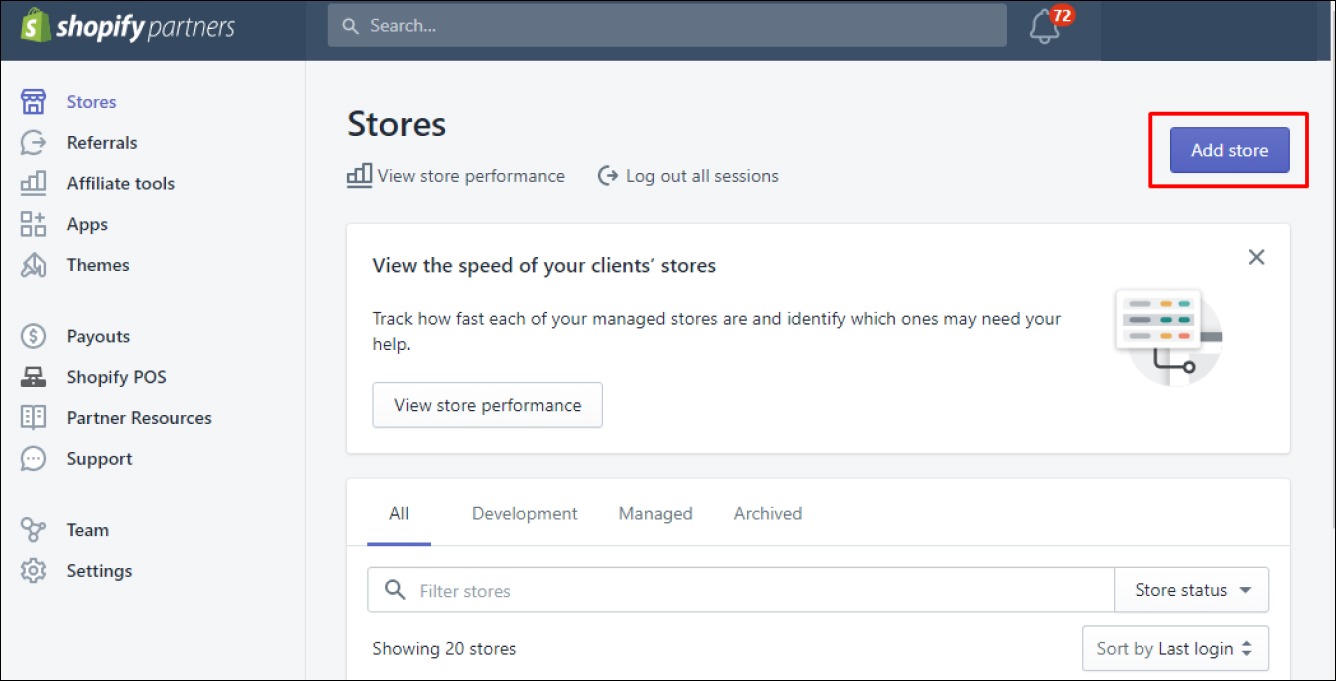
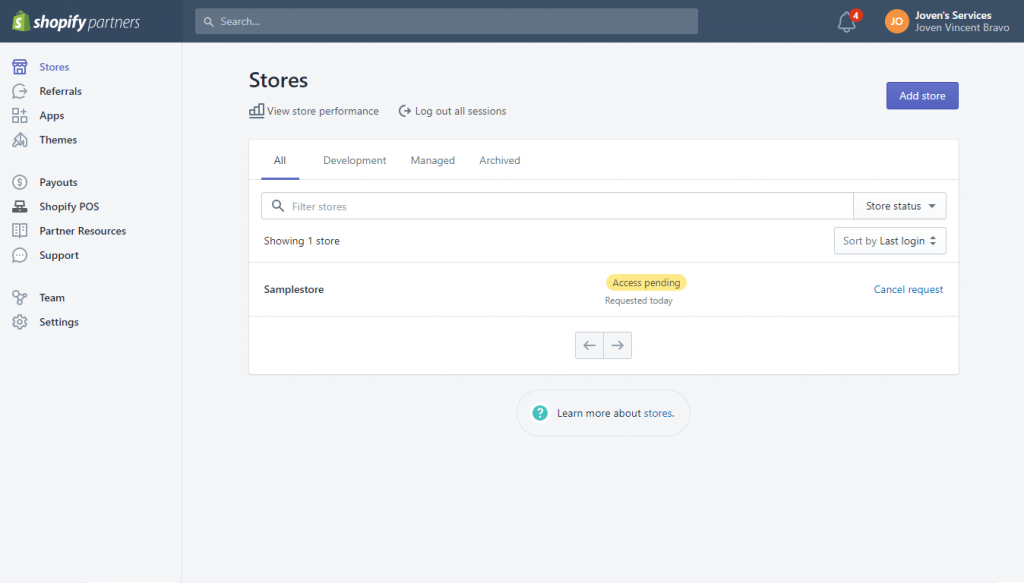
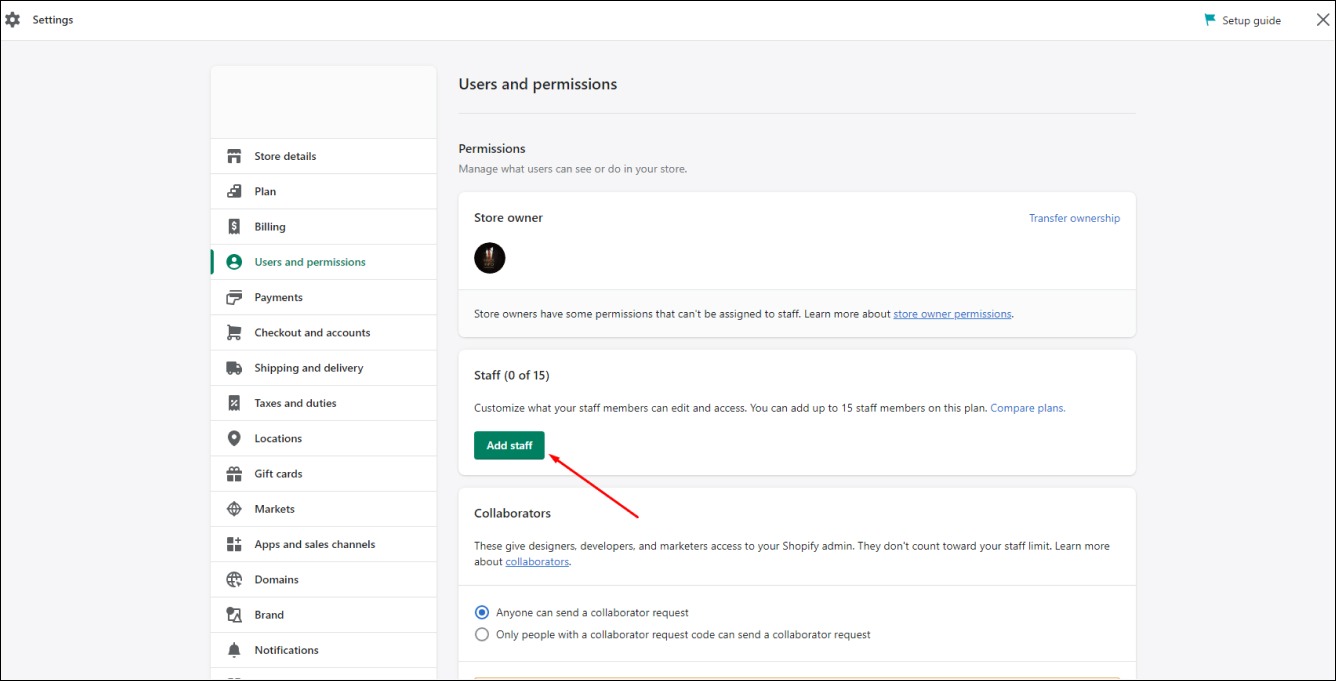
But, before you can start delegating tasks like a boss, you need to know how to add collaborators on Shopify. It's actually pretty straightforward. First, you'll need to log in to your Shopify admin panel. Yeah, we know, it sounds like a super exciting task, but bear with us. Once you're in, click on the "Settings" icon, which looks like a little cog. Then, scroll down to the "Account" section and click on "Users and permissions". This is where the magic happens, folks!
Must Read
Now, click on the "Add user" button, and a new window will pop up. Here, you'll need to enter your collaborator's email address, name, and set their permissions. Don't worry, it's not as complicated as it sounds. You can choose from a range of pre-set roles, like "Full permission", "Dashboard only", or "Support only". Just think of it like assigning a superpower to your collaborator. Do they get to fly (full permission), or are they stuck in the office (dashboard only)? The choice is yours!
Permissions: The Ultimate Power Struggle
So, you've added your collaborator, and now you need to decide what kind of powers to give them. This is the part where you get to play God, deciding who gets to do what in your online store. But, don't worry, it's not as scary as it sounds. Shopify makes it easy to set permissions, so you can control who can do what, and when. Just remember, with great power comes great responsibility. So, choose wisely!
For example, if you want your collaborator to be able to manage orders, you'll need to give them the "Orders" permission. If you want them to be able to edit products, you'll need to give them the "Products" permission. It's like a big game of permission Tetris, where you need to fit the right pieces together to create the perfect team.
Collaborator Types: The Good, the Bad, and the Ugly
Now, you might be wondering what kind of collaborators you can add to your Shopify store. Well, let us tell you, it's not just limited to your friends and family. You can add anyone you want, from developers to designers, and even accountants. Yeah, we know, accountants might not sound like the most exciting people, but trust us, they're essential to keeping your store running smoothly.

There are also different types of collaborators, like staff accounts and vendor accounts. Staff accounts are for your team members, who will be working on your store directly. Vendor accounts, on the other hand, are for your suppliers, who will be managing their own products and inventory. It's like having your own little team of superheroes, each with their own special powers.
The Benefits of Collaborators
So, why should you bother adding collaborators to your Shopify store? Well, for starters, it can help you save time. By delegating tasks to your collaborators, you can free up more time to focus on growing your business. And, let's be real, who doesn't love having more free time? It's like finding a pot of gold at the end of the rainbow.
Collaborators can also help you increase productivity. With multiple people working on your store, you can get more done in less time. It's like having a team of robots working for you, but without the risk of them taking over the world. And, with Shopify's built-in collaboration tools, you can communicate effectively with your team, no matter where they are in the world.

Collaboration Tools: The Ultimate Game-Changer
Speaking of collaboration tools, Shopify has a range of features that make working with your team a breeze. From real-time updates to task assignments, you can stay on top of everything that's happening in your store. It's like having a crystal ball that shows you exactly what's going on, at all times.
And, with Shopify's mobile app, you can stay connected to your store and your team, no matter where you are. Whether you're on a beach vacation or just running errands, you can stay on top of your store's activity, and make changes in real-time. It's like having a superpower in your pocket.

The Future of Collaboration
So, what's the future of collaboration on Shopify? Well, with the rise of artificial intelligence and machine learning, we can expect to see even more advanced collaboration tools in the future. Maybe one day, we'll have robots working alongside us, helping us to manage our stores, and making our lives easier. Or, maybe we'll just have more humans working together, using technology to make collaboration faster, easier, and more effective.
Either way, one thing is for sure: collaboration is the key to success on Shopify. By working together with your team, you can achieve great things, and grow your business to new heights. So, go ahead, add some collaborators to your store, and see the difference it can make. Your future self will thank you.
And, as a parting gift, here's a fun fact: did you know that Shopify has over 1 million active users? That's a lot of people working together to create amazing online stores. So, what are you waiting for? Join the party, and start collaborating with your team today!